
HA Grafik Visual Studio
A different kind of Home Assistant dashboard. Grafik Visual Studio is an experimental Home Assistant app with a freeform editing surface and a separate runtime. It is still in early development; its project format and controls may change. It is not yet intended for production dashboards.
Editor and keyboard shortcuts · All 46 widgets · SVG-Line · SVG LineBox with videos · Widget package interface · Tool package interface · Package packer · Source and Home Assistant app
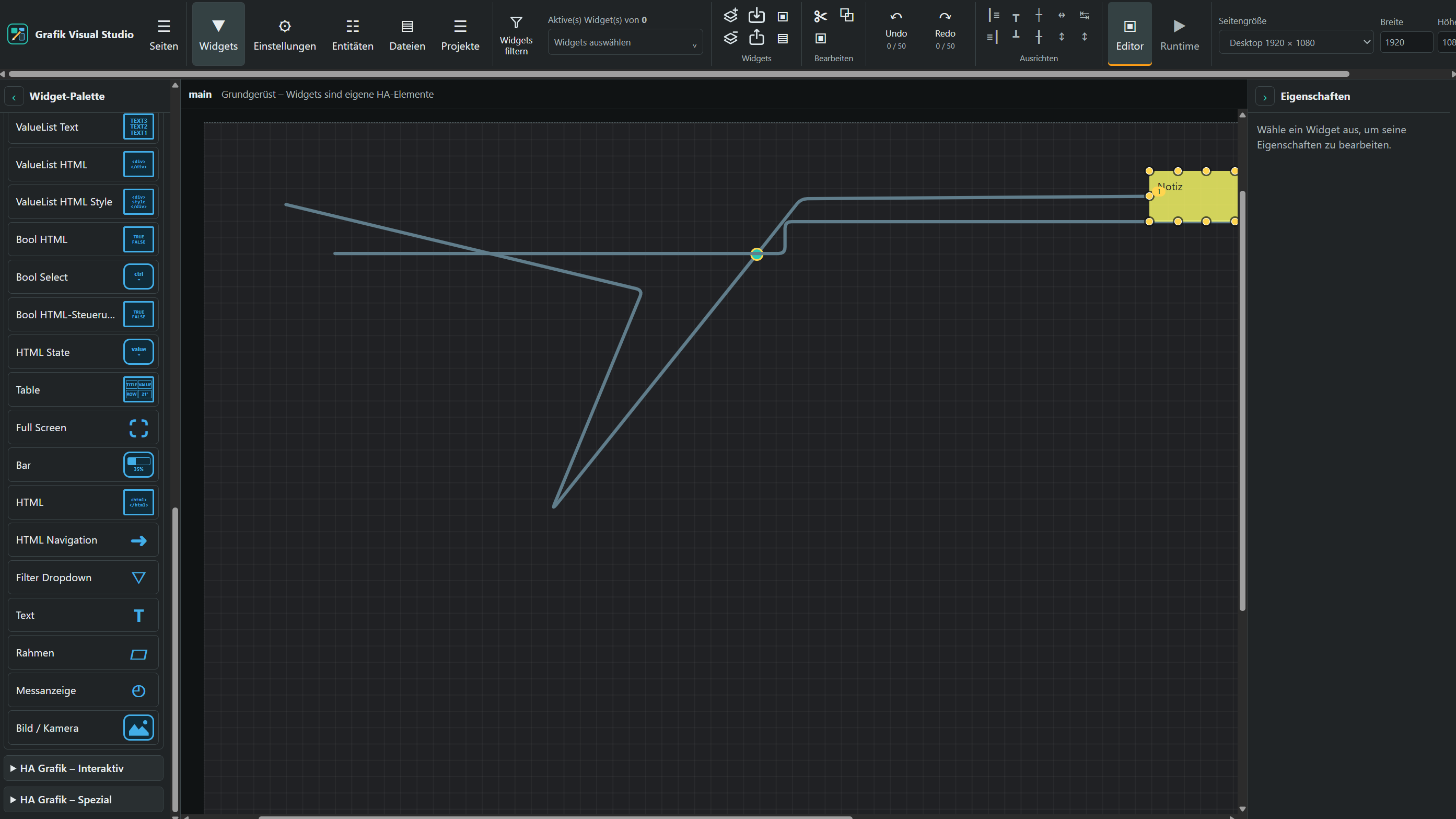
Editor view with drawn connection lines. Open the full-resolution image.
What works today
- Manage multiple projects and named pages, each with its own size, background and widgets. The runtime presents visible pages separately.
- Place, move, resize and name widgets on a scrollable canvas, and arrange them with z-index. The editor supports multiple selection, alignment, size matching, copy/paste and undo/redo.
- Use widgets from the “HA Grafik – Basis”, “HA Grafik – Interaktiv” and “HA Grafik – Spezial” groups. They include text, HTML, images, numbers, switches, sliders, tables, SVG-Line and SVG LineBox. The widget palette shows a preview or icon appropriate to each type.
- Edit layout, CSS, “Generell”, visibility and docking-point properties. The editor widget filter uses the “Filterwort” property in “Generell”.
- Draw connection lines with intermediate points, explicitly enabled collector points, colors, arrowheads and animations. Lines that cross do not connect automatically.
- Select files from Home Assistant's
wwwfolder and upload supported files. The entity browser can search entities and current states and insert entity IDs into widget fields. - Save changes automatically after a configurable delay (five seconds by default) or save manually. Widgets can be exported and imported as JSON.
- The interface follows Home Assistant's language: German when HA is set to German, English otherwise. Under Settings → Language, each browser can choose Automatic, German or English. Project and widget content is left unchanged.
Current limitations
In the runtime, Sensor, String, Red Number, Bar, Gauge and Bool HTML read a bound Home Assistant entity every five seconds; visibility rules use those states too. A Switch widget can control switch, light and input_boolean through HA service actions and then displays the confirmed HA state. Other data and control widgets still use local sample values. Selecting an entity ID there does not yet provide live binding. Visibility's “Nur für Gruppen” option and multi-views behavior are not fully implemented. The editor filter affects only the editor view.
The app provides one standard Home Assistant Ingress entry. Separate sidebar entries for editor and runtime require the additional experimental integration from custom_components/ha_grafik_visual_studio, which requires Home Assistant OS or Supervised with Supervisor. The repository README explains the installation.
The interface draws inspiration from VIS2. Grafik Visual Studio is an independent implementation; it does not ship VIS2 code or widgets.