
Devices and tablets
Studio 0.1.297 adds the built-in Devices palette set. No additional package installation is required. GitHub update.
Add devices
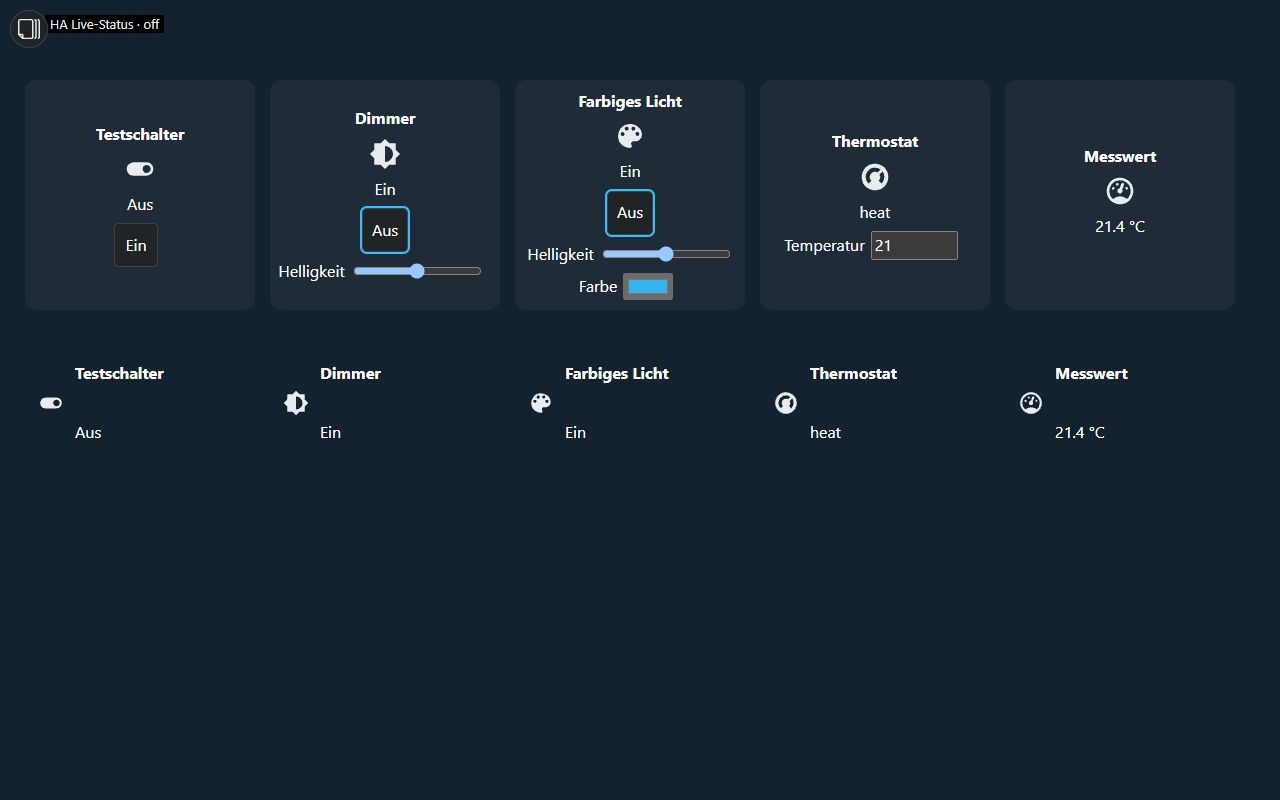
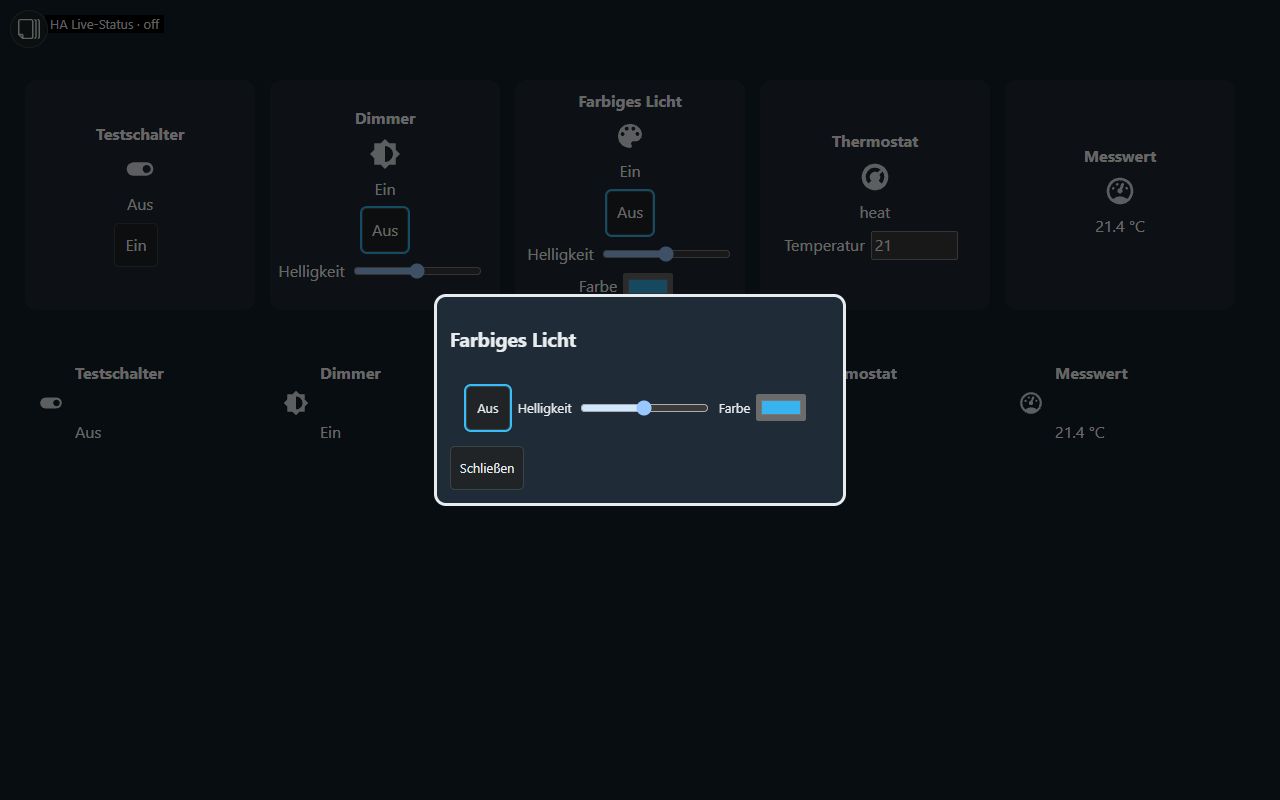
Expand the set, drag a widget onto the canvas and select its HA entity in the properties. Switch, dimmer, color light, thermostat and measurement each offer a tile and a floorplan marker with popup: ten entries in total. Position and size remain freely adjustable; this is not an automatic responsive grid. The five standard CSS groups are available, with new optional groups disabled. Widget language: DE/EN/FR; general Studio interface: DE/EN.
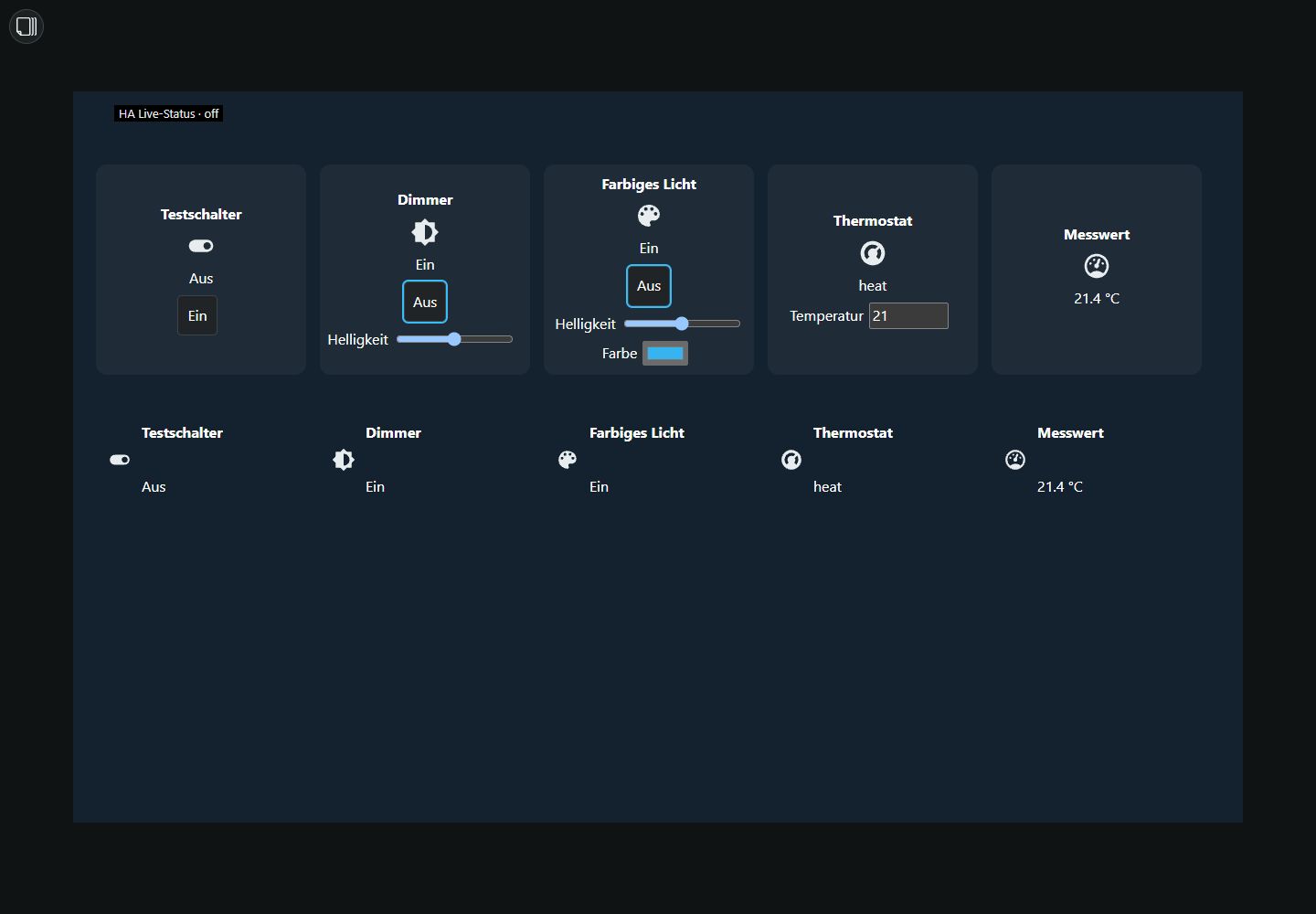
| Widget | Source and controls |
|---|---|
| Switch | switch, light or input_boolean; on/off |
| Dimmer | light; brightness only with the corresponding HA capability |
| Color light | light; on/off, brightness and RGB according to supported color modes |
| Thermostat | climate; a single temperature setpoint within native limits/step size |
| Measurement | State and unit; read-only |
Runtime only offers controls supported by the entity. Read only prevents writes. The editor never operates devices; unavailable entities are disabled. Server validation remains active. An accepted request does not prove physical device feedback. Continue using Technic/Climate for advanced features such as temperature ranges.
Tablet return and home page
In Settings → General, Refresh states on tablet return refreshes HA values when the page becomes visible again, is restored or regains network connectivity. This does not reload the whole page. Browser/tablet timers may be suspended in the background; returning to the page accounts for this.
Home page after inactivity and Inactivity home page choose the delay and a visible target page in the current project. 0 seconds = off, the default. Open dialogs, pending writes and active editing postpone automatic navigation. Kiosk settings and access rights are unchanged.
Live heading values
Border and device headings can optionally display an HA state or attribute, with decimals and a unit. Select the entity and optional attribute in the corresponding property group. Existing headings remain intact; HA values are inserted as text.
Renderers and package capabilities
Devices, weather, heating rooms, window overview, landlord notification, Technic status lists and Material color schemes load renderers on demand. Shared editor modules remain normally loaded. Concurrent requests share one load.
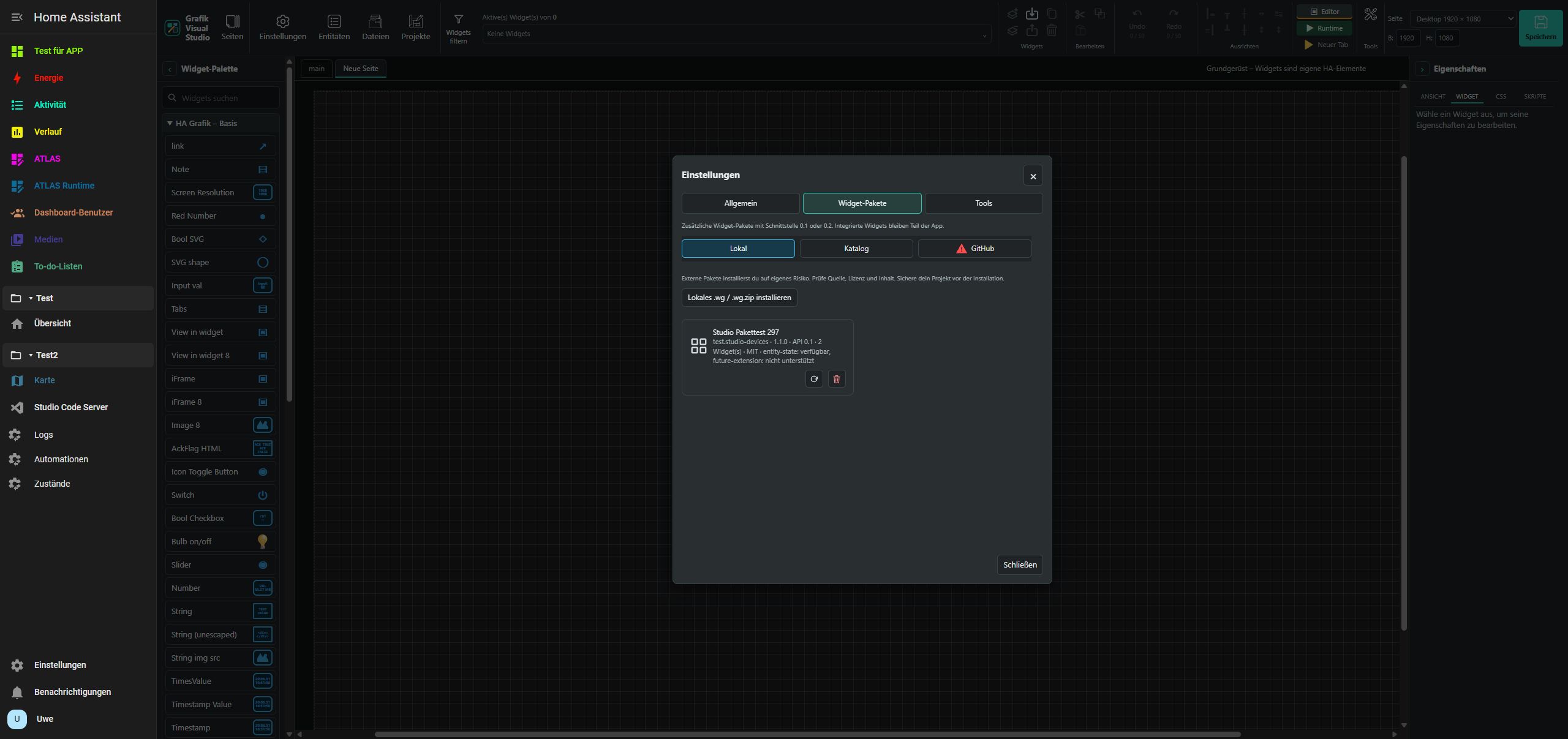
Installed package manifests are checked every 30 seconds and on return. Changes refresh the palette without restarting. This does not automatically install offered catalog updates. Invalid replacements retain the previous catalog; removed definitions stay in memory for already open projects but disappear from the palette for new widgets. Projects are not automatically migrated. See package installation.
Manifest optionalCapabilities is an optional declaration: entity-state, history, light-color, climate. The package list indicates support. Unknown capabilities grant no permissions. Old manifests remain valid; actual controls still depend on HA and entity capabilities.
Verification and limits
On 8 November 2026, ARM test system (Pi 5) / HA 2026.11.0 / Raspberry Pi 5 ARM64 and PC (64) test system / HA 2026.10.4 / Proxmox amd64 passed project save/reload, actual operation of a disposable HA helper with state feedback and inactivity return. On the ARM test system (Pi 5), the marker dialog and manual local package import 1.1.0 with two widgets and capability reporting were also checked. The test package and helpers were then removed; inactivity was reset to 0 seconds. Studio stays installed on both systems, preserving existing projects/settings.
Brightness, RGB and thermostat were tested with local simulated entities. The new views were inspected in a desktop browser at 1440 × 1000 and tablet viewport 1280 × 800. This does not verify physical tablet hardware or every lamp/heating type. 394 JavaScript and 109 Python checks passed, plus 7 focused JavaScript and 17 package Python checks. Technical test report.
Independent HA implementation without copied VIS-2 code or artwork. Web Components and a responsive grid container remain separate future projects.